Since I use 3 different systems in managing RV Care, do I have to pay 3 times for Pro or is it good for all my devices? (Hope one license works for all!!)
Steve
Since I use 3 different systems in managing RV Care, do I have to pay 3 times for Pro or is it good for all my devices? (Hope one license works for all!!)
Steve
Hi Steve, it’s good for all your devices signed into the same Apple ID. (Technically, I believe there is a limit of ten devices imposed by Apple!)
Basically, you would purchase Pro on one device, and then click the “Restore Purchases” button on the other devices. Data syncing would then commence across your devices.
Hope that helps.
I bought on the phone app, went to desktop and it wont let me restore purchase, when I click restore, i input my email and password for my apple account and it acts like I haven’t done anything. Tab,
Would this be because the laptop doesn’t have a backup system yet? Tab,
Hi @TdTravels - are you definitely using the same Apple ID on your Mac as you used to purchased on your iPhone?
On your Mac, try closing RVCLB and then opening the App Store app. Look bottom-left - are you logged in there? If not, log in using the same Apple ID. And then reopen RVCLB again.
If that still doesn’t work, what version of macOS are you using?
Definitely same on both, I logged out and back in on them. Tahoe 26.5.1 on mac air 26.5.1 iOS on phone. Its tab, I closed and reopened but no difference.
I tried the reset and it only loaded the last backup that I had transferred to the iphone
Update:
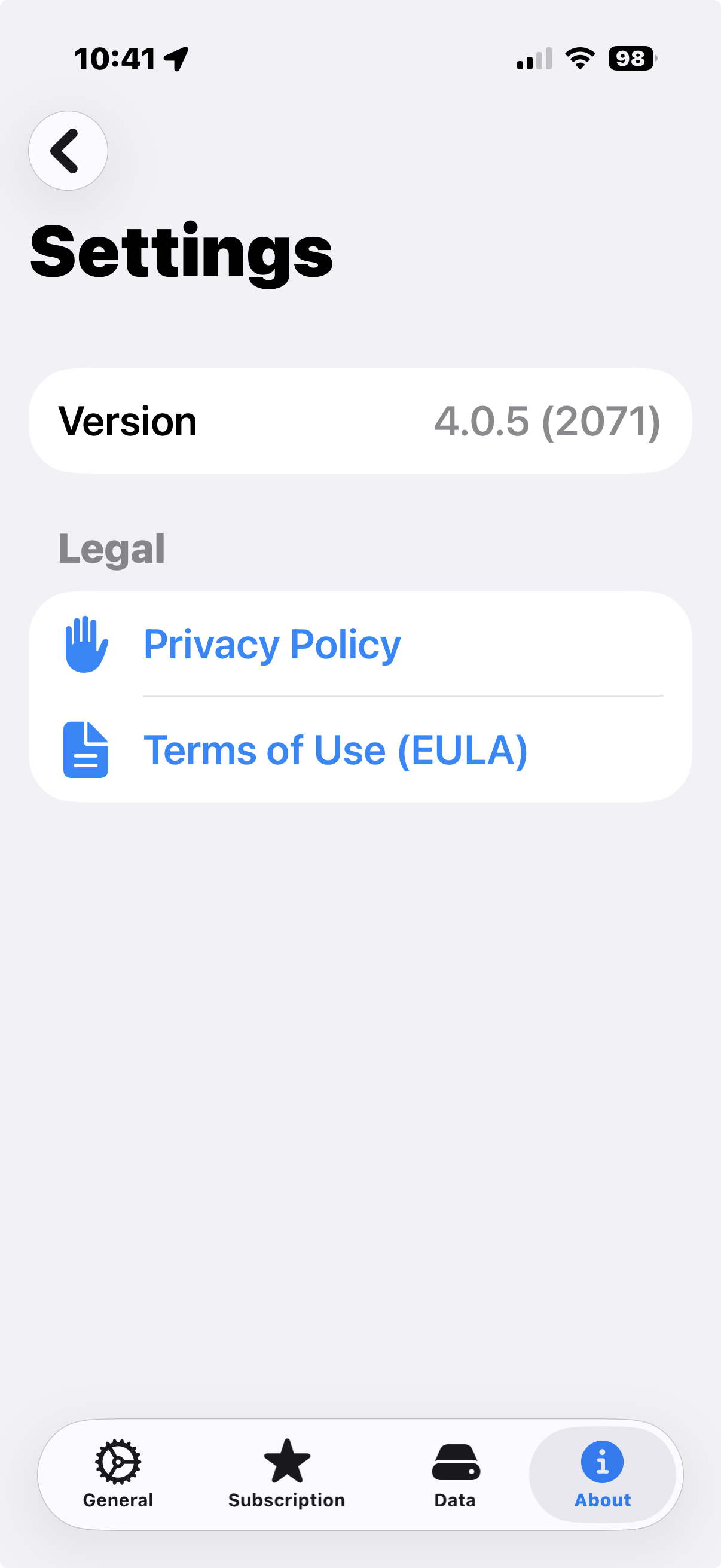
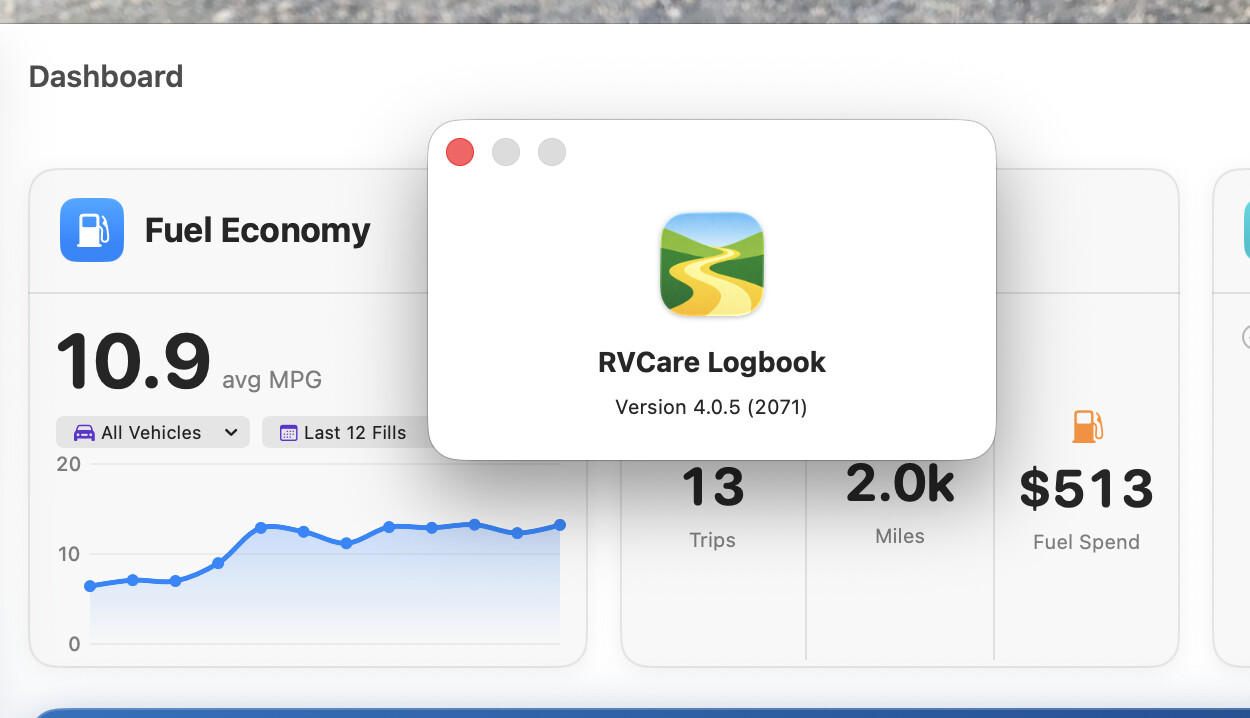
So I clicked on purchase on the mac and saw that the pro version would not be charged so i added it, then the sync on the mac says active. I went to the phone, Closed the app and reloaded and it didnt do anything yet when i go to settings/subscription it says icloud sync enabled but when I click on my manage subscription it says cannot connect and hitting retry does nothing. The version ois 4.0.5 2071.
I redownloaded the app on the mac, and the subscription info came back on the phone but it loaded the old backup data.
Both say Rvlogbook logbook pro
Any thoughts on why the data wont transfer yet?
Hi Tab, I have a couple of ideas. Can I just check that I understand it correctly - the Mac has the correct data, but the iPhone has an old data set, is that right?
Yes but that is because I uploaded the file to phone from one of the last restores I had. At moment there is nothing on the iPhone. It is as downloaded
Okay, on the Mac, please go to Settings (from the RVCare Logbook menu at the top), then Data and create a backup - just in case.
Next, delete the app totally from your phone by holding down on the icon and selecting Remove App, then Delete App (not just Remove from Home Screen). This removes the local data.
Finally, install RVCLB on your iPhone from the App Store again. Hopefully it picks up your Pro status right away, but if not, please “Restore Purchases”. Syncing should begin. If not, please let me know and we’ll dig further.
Did all that but still not doing anything
Do I need to physically bring the backup over and upload? I am assuming no but wanted to ask
Been. 6 hours and no data transfered. 
No, you don’t need to do that.
I’m afraid that the problem you are having is because you are an pre-existing user. New users wouldn’t see this. One of your devices is using a schema that is different from the shipping version. Once we get past that, syncing will be automatic. To get past it, we do need to wipe the data from one of your devices until cloud syncing starts (which is why the backup is so important!).
Please go to the Settings window, then Data tab, then Reset Sync. This will clear the Mac’s local state, and then re-syncs from iCloud. We may have to do this on the phone as well, but let’s try it on the Mac first.
Ok I did the computer, is it suppose to resync on itself of do i need to reload the backup
Its not resyncing. on either device
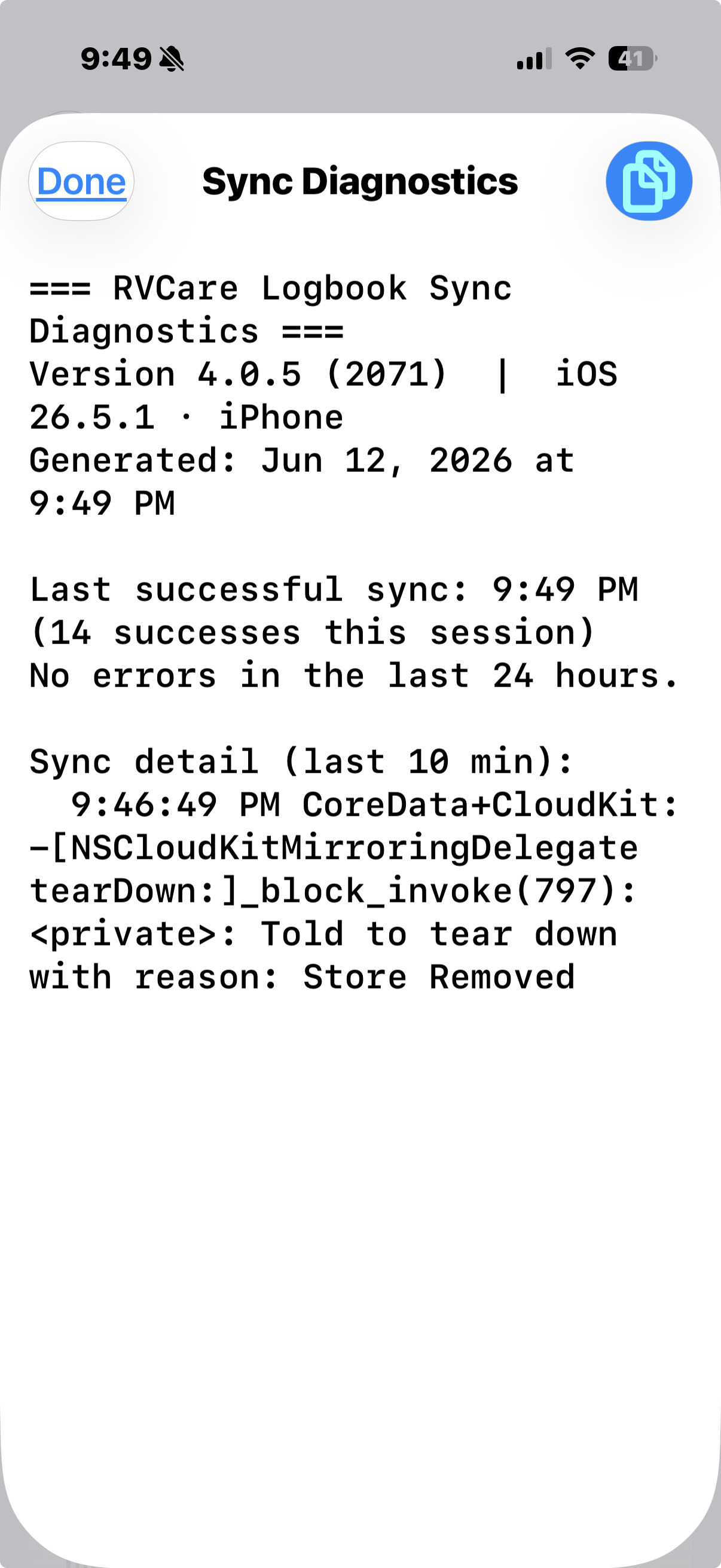
so I did what you asked and deleted from both mac and phone and reloaded, since nothing was happening by itself and had time to kill, here is the sync info from the mac === RVCare Logbook Sync Diagnostics ===
Version 4.0.5 (2071) | macOS 26.5.1
Generated: Jun 12, 2026 at 9:44 PM
Last successful sync: 9:34 PM (1 successes this session)
Errors (last 24 h):
• [9:34 PM] Export – Partial failure [CK2] · domain=CKErrorDomain | code=2
Sync detail (last 10 min):
9:34:58 PM CoreData+CloudKit: -NSCloudKitMirroringDelegate _exportFinishedWithResult:exporter:: : Export failed with error: Error Domain=CKErrorDomain Code=2 UserInfo={ContainerID=, NSDebugDescription=, CKPartialErrors=, RequestUUID=, NSLocalizedDescription=, CKErrorDescription=, NSUnderlyingError=0x9cc9e5b60 {Error Domain=CKInternalErrorDomain Code=1011 UserInfo={CKErrorDescription=, NSLocalizedDescription=, CKPartialErrors=}}}
9:34:58 PM CoreData+CloudKit: -NSCloudKitMirroringDelegate recoverFromError:: - Attempting recovery from error: Error Domain=CKErrorDomain Code=2 UserInfo={ContainerID=, NSDebugDescription=, CKPartialErrors=, RequestUUID=, NSLocalizedDescription=, CKErrorDescription=, NSUnderlyingError=0x9cc9e5b60 {Error Domain=CKInternalErrorDomain Code=1011 UserInfo={CKErrorDescription=, NSLocalizedDescription=, CKPartialErrors=}}}
9:34:58 PM CoreData+CloudKit: -NSCloudKitMirroringDelegate _recoverFromPartialError:forStore:inMonitor:: : Error recovery failed because the following fatal errors were found:
9:34:58 PM CoreData+CloudKit: -NSCloudKitMirroringDelegate resetAfterError:andKeepContainer:: - resetting internal state after error: Error Domain=CKErrorDomain Code=2 UserInfo={ContainerID=, NSDebugDescription=, CKPartialErrors=, RequestUUID=, NSLocalizedDescription=, CKErrorDescription=, NSUnderlyingError=0x9cc9e5b60 {Error Domain=CKInternalErrorDomain Code=1011 UserInfo={CKErrorDescription=, NSLocalizedDescription=, CKPartialErrors=}}}
9:34:58 PM CoreData+CloudKit: -NSCloudKitMirroringDelegate _requestAbortedNotInitialized:: - Never successfully initialized and cannot execute request ‘’ due to error: Error Domain=CKErrorDomain Code=2 UserInfo={ContainerID=, NSDebugDescription=, CKPartialErrors=, RequestUUID=, NSLocalizedDescription=, CKErrorDescription=, NSUnderlyingError=0x9cc9e5b60 {Error Domain=CKInternalErrorDomain Code=1011 UserInfo={CKErrorDescription=, NSLocalizedDescription=, CKPartialErrors=}}}
9:35:03 PM CoreData+CloudKit: -[NSCloudKitMirroringDelegate tearDown:]_block_invoke(797): : Told to tear down with reason:
That’s actually pretty useful - the iPhone is talking to iCloud as it should. The Mac isn’t even starting a sync, it’s being rejected on the server.
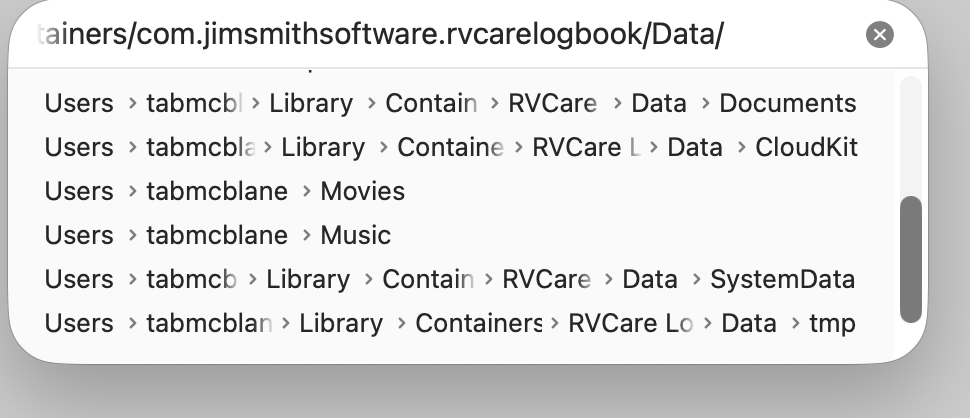
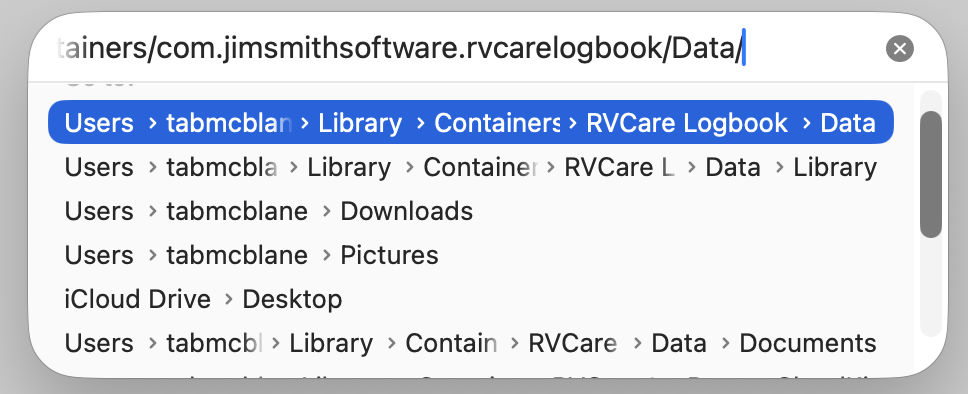
Keeping the backup file that you created previously safe, we could give the Mac a cleaner start by: