So I mainly use the phone app now and have 7 or 8 checklists I dont want to lose. On my laptop should I go to settings and clear all data before the new version is out and not open the app at all since there is no syncing? I don’t want it to revert back to what is now here with data or does the software pick the latest data and is the data still automatically uploaded to the cloud from phone?
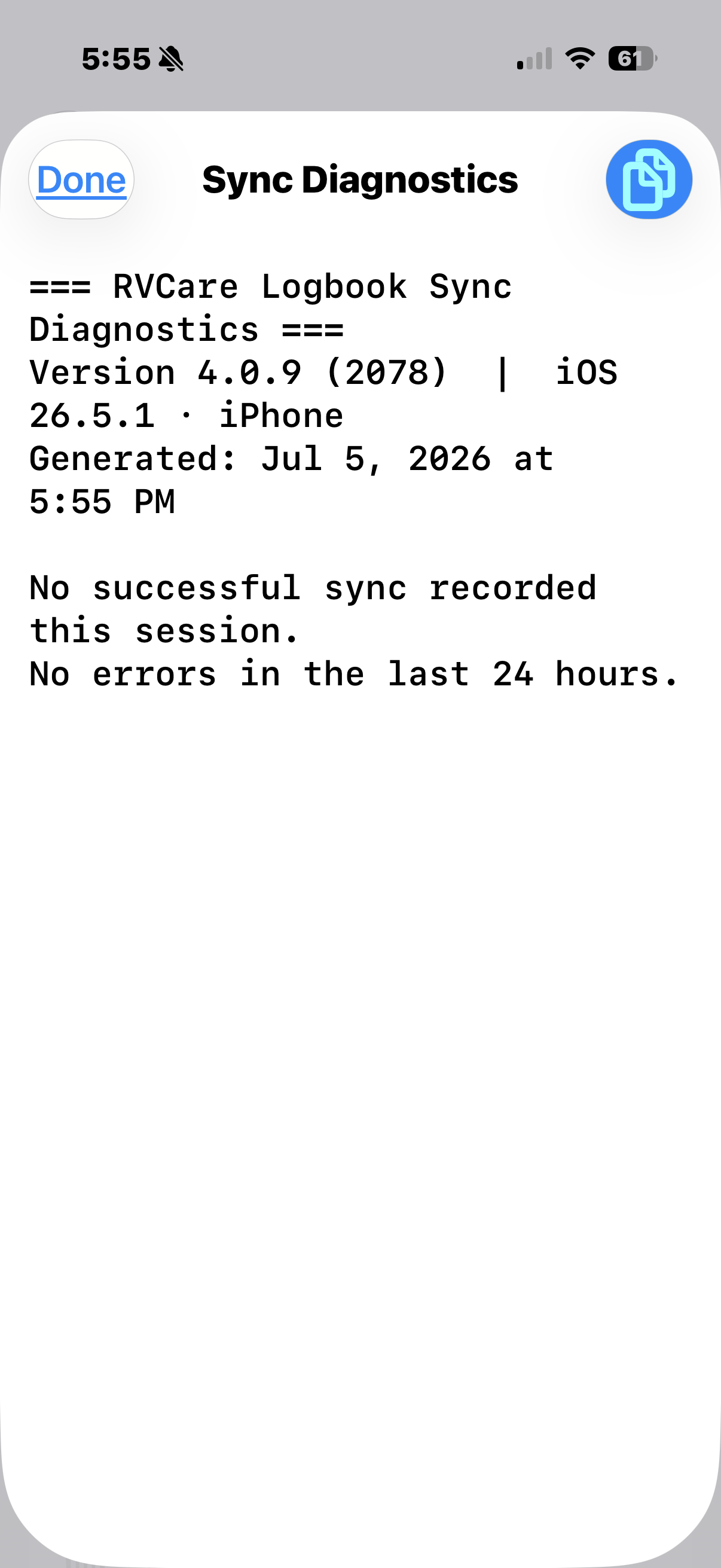
Hi @TdTravels - firstly, I’d do a backup on each device, just as a starting point. Then I’d check the Sync Diagnostics on each device, especially the phone - are there errors on the phone? If not, the checklists will be in the cloud.
The next version (4.0.10) is focussed on feeling more confident with our data. It backs up automatically, daily, both locally and to the cloud. It automatically holds on to backups for a set period of time. Users can also make backups manually at any time. There is a setting to make sure cloud backups only happen on Wi-Fi if that’s a concern.
I’ll have a post up about the new version tomorrow and how to get things moving again if the syncing has gotten stuck. Once things are going well in 4.0.10, I think that should mark the end of our intermittent syncing issues.
I have not been using the laptop version and only the phone which has all the most recent info on it and that is the one I want to retain for sure. Should I wait till syncing is working so it can upload the phone version before trying the laptop version? Or does it not matter? On the laptop should I do a back up and then clear all data to make it a cleaner restart from cloud? Also just this morning I opened on the phone and it crashes every time I try to open vehicle module. I just went through each module and the weight module crashes the app also
Hi @TdTravels - check the Sync Diagnostics in Settings > Data on your phone. If there are no errors, then everything from your phone is already in the cloud and you’re good. If that’s the case, yes, I’d reset the data on the laptop (after a backup, just in case!).
Backups are handled much better from v4.0.10. When 4.0.10 is released (imminently), you may have to reset one last time to get sync working, but things are much better now and hopefully sync issues are nearly in the past. The backup routine will be a good safety net.