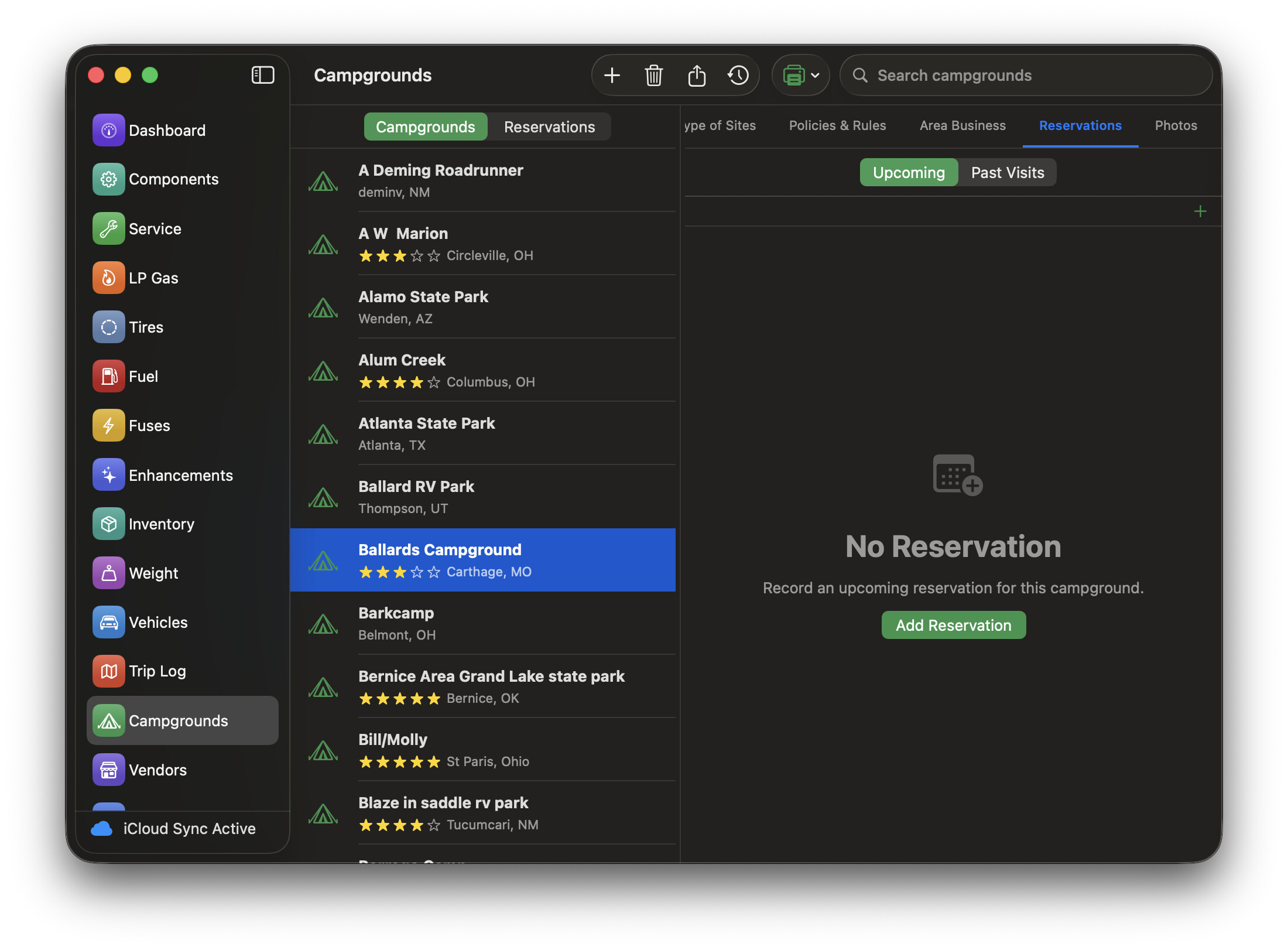
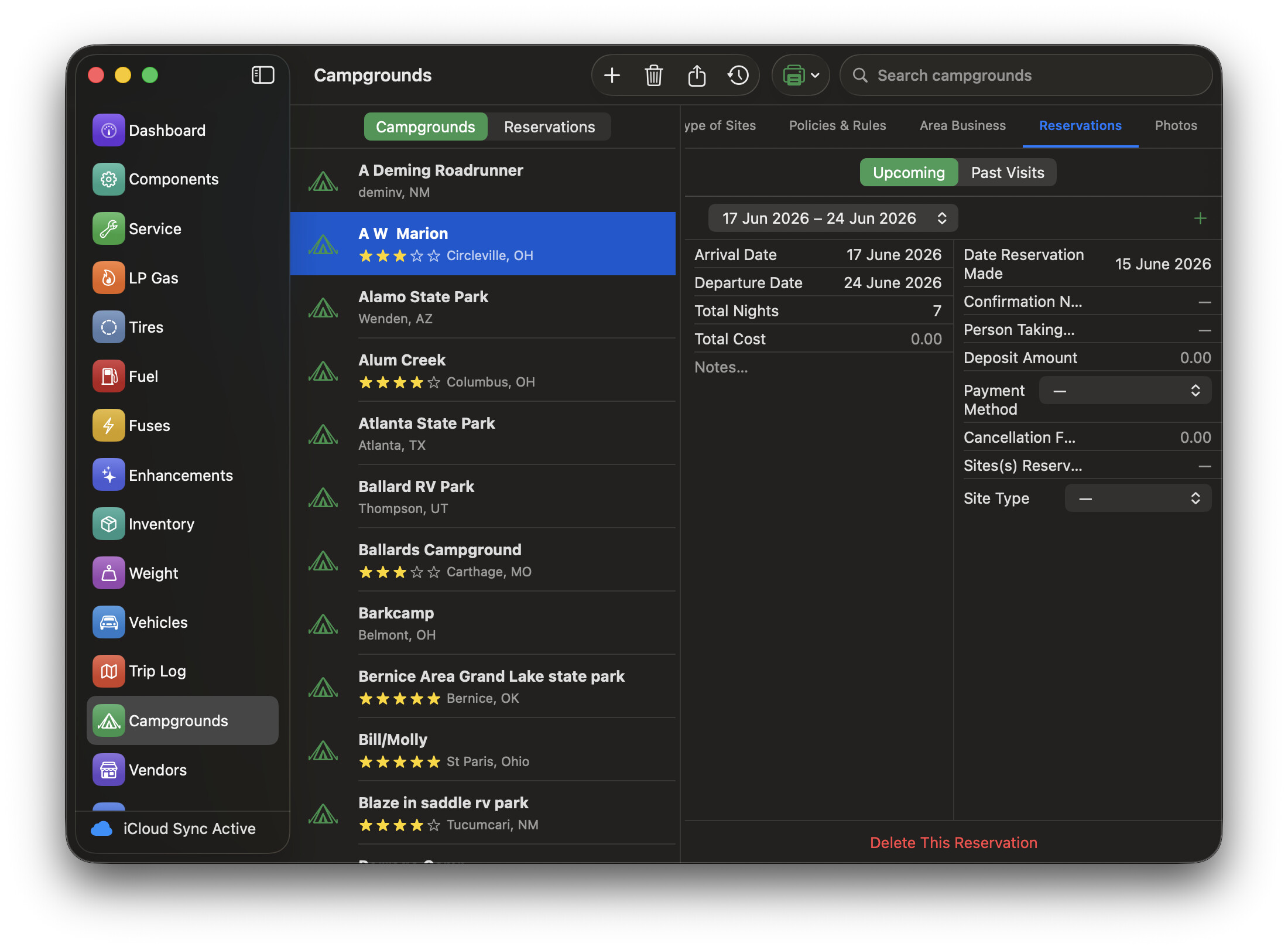
So now that you taught me to look elsewhere for ‘+’ marks , I’ve started to use visit history. I do not see any visit history on the iPhone or iPad but all my previous visit history is showing on the laptop. Again, I don’t know if it has made its way to the iCloud but I did use the same 3.0 database when originally building the iPad and iPhone data. That includes the four ‘new’ campgrounds I have entered and also entered visit history. They see the Campground general record but no visit history record shows.
In addition, the entry screen lets me enter arrival and departure dates as long as they are 1 day apart which my first four were but in trying to enter one that is eight days later departure, the screen goes blank and I lose this record. I have tried multiple ways to enter the departure date (to try to avoid the popup calendar) but nothing appears to work. I select June 13th as arrival date, adjust the time, go to put in the departure date of June 21st and the record disappears - back to entry screen that says 'tap '+" to record visit. Fortunately, it doesn’t seem to affect any other record (we have stayed here before). When I start to enter, it say 2 of 2 records with the arrows but as soon as it disappears, it doesn’t show anything but if I go away from that Campground and come back, the visit history 1 of 1 is there. I even put all the info in the 2nd visit history record by leaving the departure date as June 14th (1 day) which worked - I could look at both visit records but when I went back and changed the departure date to June 21, the record disappeared and we were back to 1 of 1.
v 4.0.6 on Mac Air with Tahoe 26.5.1
Steve